
Creating Gohub Account
On Gohub website, you create an account simply by logging in. Creating a Gohub account is your first step to stress-free global travel. Follow this easy guide to set up your profile and access exclusive travel deals and eSIMs:
Step 1
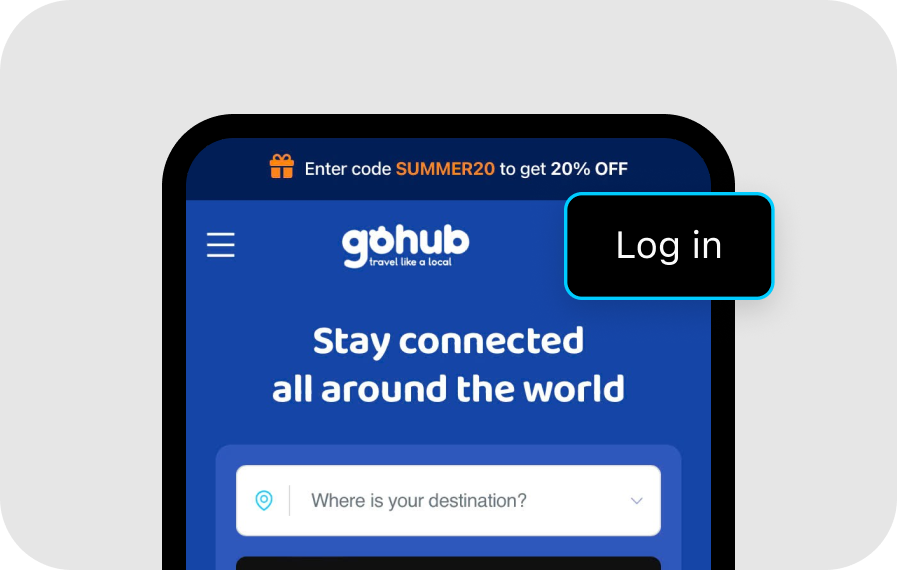
Click the "Login" button at the top right corner of the page.
Step 2
Choose one of the following login methods:
Method 1
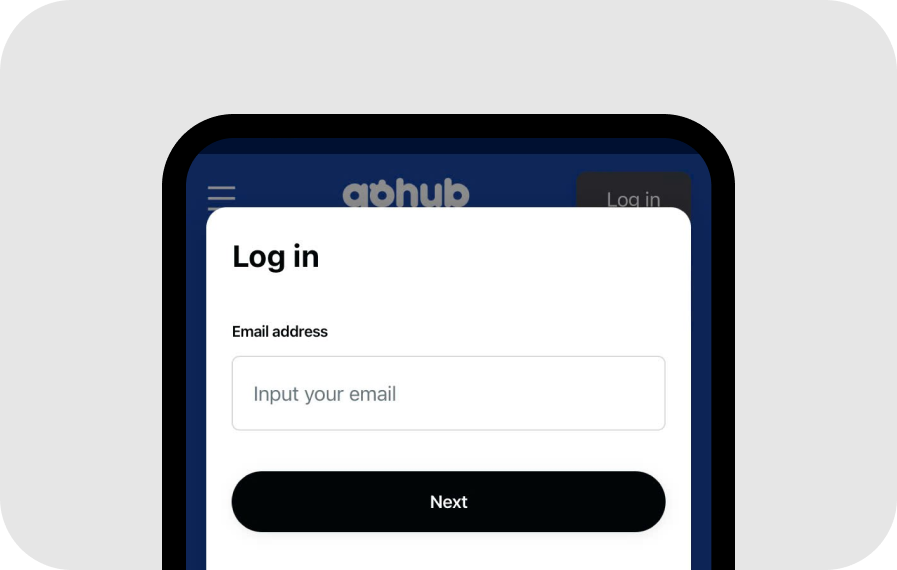
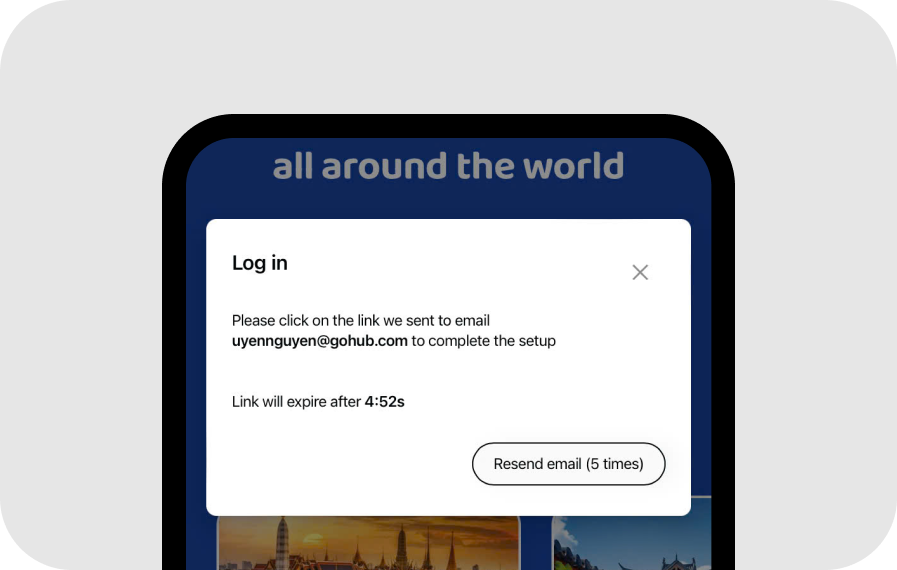
Enter your email address to receive a Magic Link. Open your email and click the link to proceed.
Method 2
Click "Log in with Google/Facebook/Apple ID" to sign in using your Google/Facebook/Apple account.
Step 3
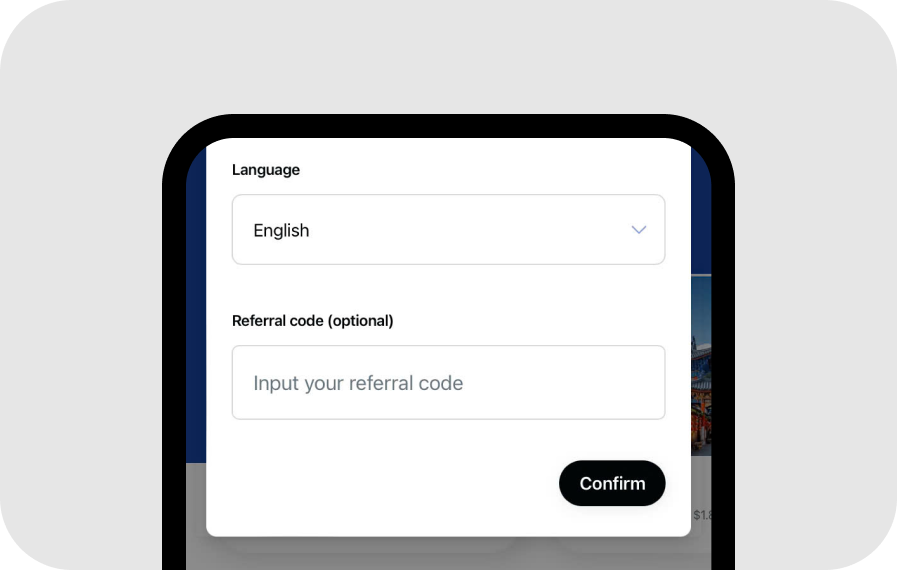
Once you're logged in, your Gohub account will be automatically created. Click "Confirm" and you're all set to start shopping on Gohub!
Was this article helpful?